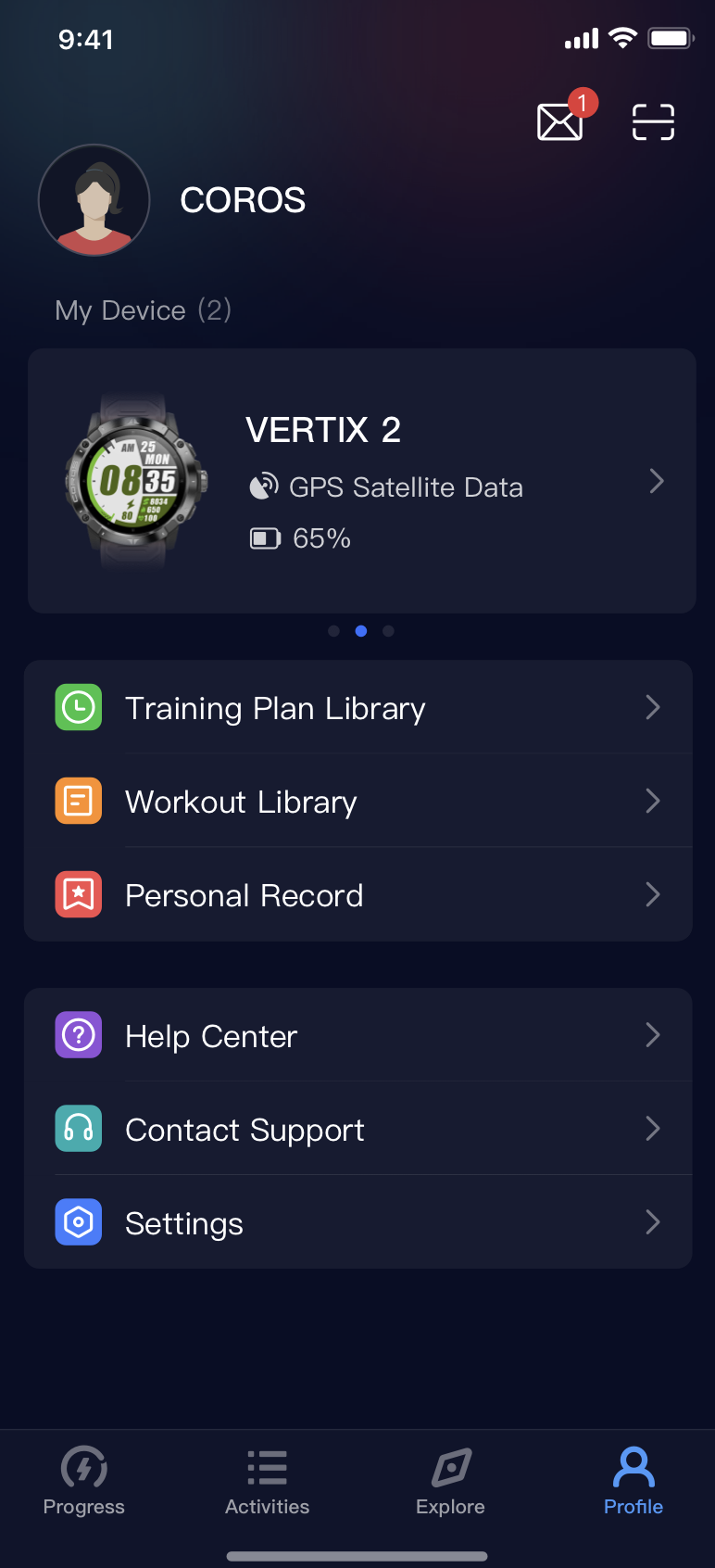
① Enter COROS APP, select the User Profile, and click "Settings".
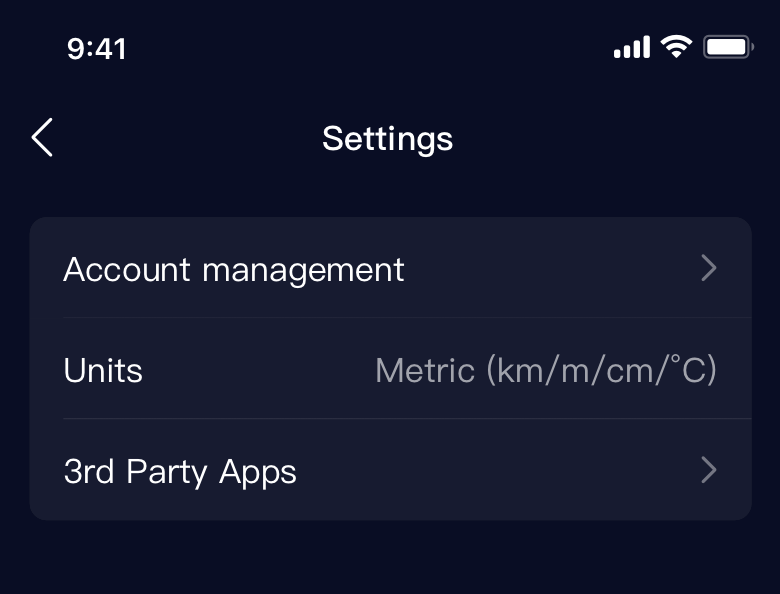
② Enter Settings and select "Account Management".
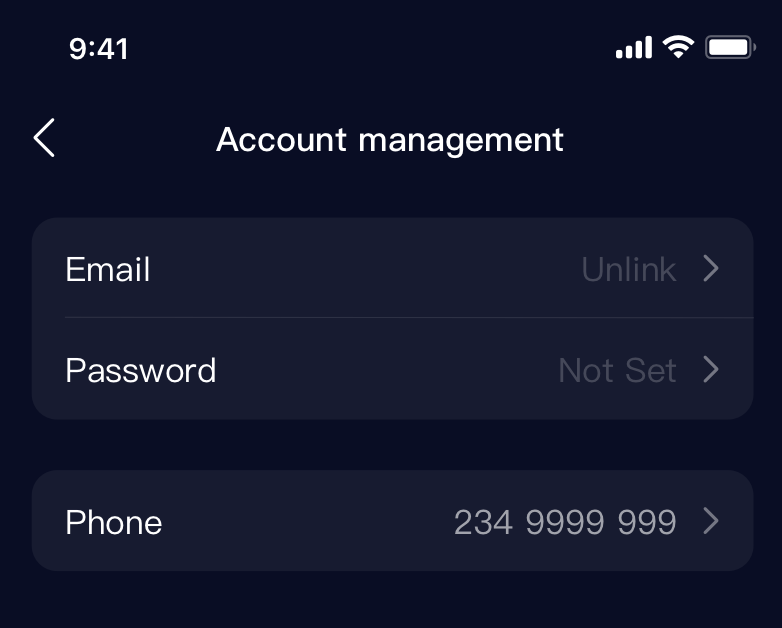
③ Enter the Account Management and select Email.
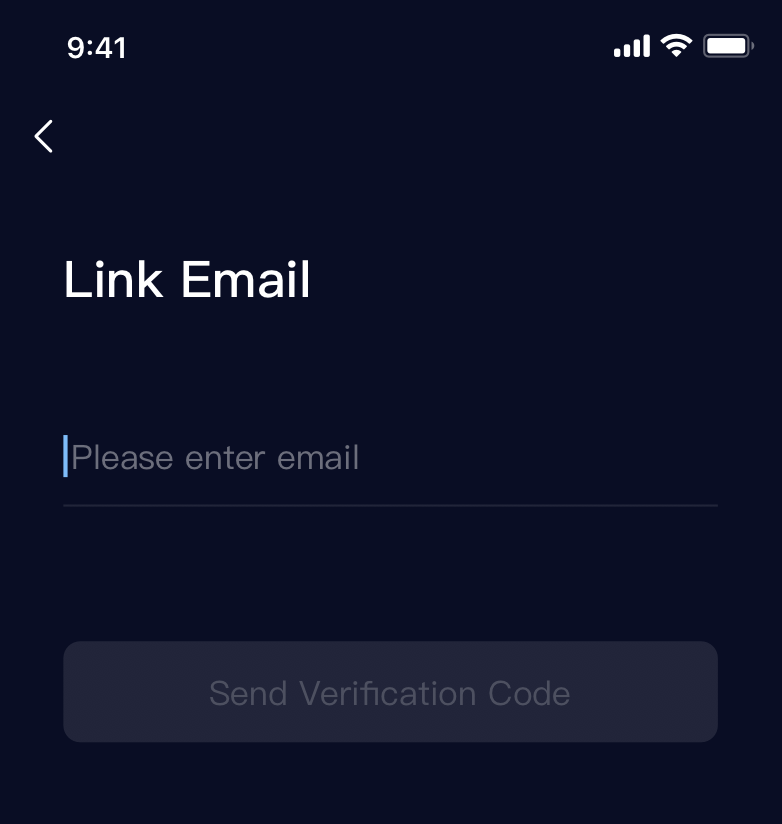
④ Enter a valid email, then request and enter the verification code.
⑤ Set up a password for login, and complete the process.

⑥ Now you can login 3rd party platform with your Email.